How to collect photos from guests at a party – 2026 guide
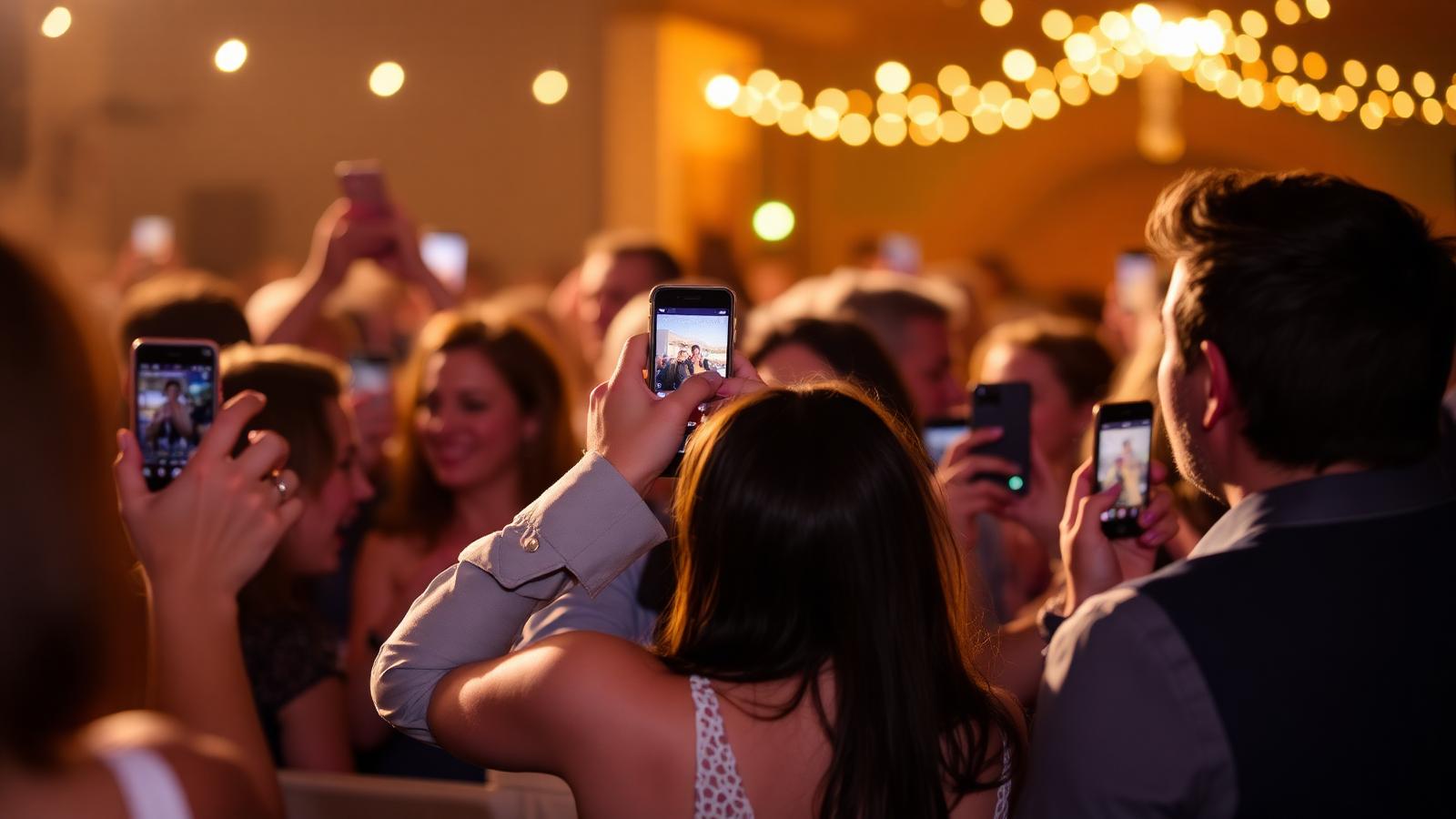
From weddings to 40th birthday parties – here is how you collect all guests' photos without hassle, cloud folders, or app downloads.
One of the biggest frustrations after a party is that photos end up scattered across 20 different phones. According to The Knot's latest wedding data, 62% of couples report that they never see their guests' photos at all. The good news: in 2026, there are smooth ways to collect all photos in one place – without cloud folders, WhatsApp groups, or app downloads.
In this guide, we go through five ways to collect guest photos, pros and cons, and our best tips to ensure everyone actually uploads them. Want to test a ready-made solution right away? Check out the Joynify photo sharing app.
Why it is so hard to collect photos
- Everyone has different phones, different cloud services, and different apps.
- Cloud folders (Google Drive, iCloud) require guests to log in.
- WhatsApp groups compress images and turn into chaos after 50 photos.
- It takes time to ask for photos the next day when the excitement has settled.
The 5 most common ways to collect photos
1. QR code to a shared photo wall (recommended)
A QR code on the table leading to a webpage where guests can upload photos directly from their camera. No login, no app.
- Pros: zero friction, photos arrive in real-time, live wall can be displayed on TV.
- Cons: requires a tool – e.g., Joynify.
2. Shared album in iCloud or Google Photos
Create a shared album and send the link.
- Pros: free, high quality.
- Cons: requires Apple ID / Google account, works poorly between iOS and Android.
3. WhatsApp or Signal group
Create a group for the party.
- Pros: everyone has the app.
- Cons: images are compressed, chaotic chat, no host wants to manage it afterwards.
4. Hire a photographer
For weddings and large events.
- Pros: high quality, consistent style.
- Cons: expensive ($1,000–$3,000), you don't see the photos until weeks later.
5. Instagram hashtag
Popular in the 2010s.
- Pros: simple.
- Cons: quickly outdated, requires public accounts, everything stays on Instagram.
How to maximize uploads: 6 tips
- Place the QR code in multiple locations – tables, the bar, the restroom door. According to a study by Nielsen, visibility increases upload frequency by up to 3x.
- Mention it in the welcome speech – ”Scan the QR code and your photos will be displayed on the TV all evening”.
- Show the photo wall live on a TV – guests love seeing themselves in real-time, and it drives more uploads.
- Send a reminder the day after with the link to the photo wall.
- Keep the upload open for two weeks after the party – many people don't check their photos until then.
- Let guests react with hearts – it makes contributing fun.
GDPR and Privacy
Photos from a private party count as personal data as soon as people are identifiable. GDPR requires that:
- Guests are informed that photos are being collected collectively.
- The host can delete photos upon request.
- Data is stored securely, preferably within the EU.
Joynify stores images within the EU and allows the host to moderate and delete individual photos directly in the photo wall.
How Joynify's photo wall works
- You create a party in Joynify.
- The system generates a QR code and a link.
- Guests scan the QR code and upload photos directly from their camera – no app.
- The photos appear on a live wall that can be displayed on a TV.
- After the party, everyone can download all photos in one package.
See what it looks like in the demo or read our Joynify vs Fotify comparison.
Common mistakes to avoid
- Creating multiple different albums – choose one tool and stick to it.
- Forgetting to tell the guests – no one scans a QR code without a prompt.
- Not moderating – have someone glance through during the evening.
- Taking down the page too soon – wait at least two weeks.
Conclusion
The best way to collect guests' photos in 2026 is a QR code to a shared photo wall that requires no app or login. With Joynify, you combine the photo wall with RSVP, playlists, and digital invitations – all on the same link. Get started for free or read the midsummer party checklist for specific examples.
How to place the QR code for best effect
The QR code is the heart of modern guest photo sharing, but where you place it determines everything. Based on our tests and interviews with party hosts, we recommend:
- On every table, preferably on a small stand or printed on the seating card.
- At the bar – where everyone stands and talks at some point during the evening.
- On the inside of the restroom door – classic ”captive attention”.
- At the entrance, along with the ”welcome” sign.
- On the photo wall TV screen as a small corner.
With five placements, you cover natural movements during the evening and maximize the number of uploads without appearing pushy.
Copy that works
The text below the QR code matters more than you think. Try something like:
”Scan to add your best photos – they appear on the TV instantly!”
Avoid dry phrasing like ”Upload photo here”. According to an A/B study by Nielsen Norman Group, clearly value-oriented text increases QR scan frequency by 20–35%.
How to encourage different age groups
Photo sharing works differently for different generations.
- 20–35 years: upload spontaneously, appreciate reactions and hearts.
- 35–55 years: upload if it's easy and they see others doing it.
- 55+ years: often need a quick demonstration of ”how to do it” – let someone younger show them at the entrance.
- Children under 15: upload the most if there is a contest or reward.
A smart host has someone in the family acting as a photo ambassador – walking around, showing how to scan and upload.
After the party – how to maximize usage
- Send the link the same evening, or at the latest the day after, in the thank-you email.
- Embed the five best photos directly in the email so that guests click through.
- Keep the photo wall open for two weeks.
- Send a reminder after one week – ”Final chance to add your photos”.
- Offer an easy download of all images in a zip package.
Joynify does all these steps automatically.
Printing, photobooks, and memories
For weddings and major anniversaries, it’s worth going a step further:
- Print the 20 best photos as polaroids for the memory book.
- Order a photobook with a curated selection – costs 200–800 SEK and becomes a gift you will actually look at.
- Create a video loop of the evening's best photos to show at the next reunion.
Frequently asked questions from hosts
”What happens if someone uploads something inappropriate?” With Joynify's live moderation, the host removes the image within seconds, and it is never shown on the TV.
”Can I close the upload after a week?” Yes, you choose yourself when the photo wall closes.
”What happens to the photos afterwards?” You can download everything in one package and then delete the photo wall if you wish.
”Do I need to ask for consent?” Yes, a single sentence in the invitation is enough: ”At the party, we will be sharing photos together via a photo wall – let us know if you do not want to be in any pictures.”
New for Fall 2026: disposable camera and audio guestbook
In addition to the standard live photo album, the host can now enable a "Day After" disposable camera. Guests open a retro camera view directly on their mobile – without an app or login – and get 5, 10, or 15 photos each. The photos are hidden during the party, allowing everyone to stay present. They are developed at 09:00 the next morning (or instantly when the host clicks "Develop Now").
With the audio guestbook, guests record a voice greeting of up to 30 seconds. The greetings are private to the host, who can listen, favorite, and download them afterwards – a digital alternative to the old guestbook telephone.
FAQ
How do you collect photos from guests without everyone having to download an app?+
Use a QR code that leads to a web page where guests can upload directly from their camera. Joynify and Fotify both offer this without an app download.
Is it GDPR-compliant to collect guests' photos?+
Yes, provided you inform the guests, can delete photos upon request, and use a service that stores data within the EU. Joynify meets these requirements.
How long should the photo wall stay open after the party?+
The recommendation is at least two weeks. Many guests go back and upload photos only in the days following the party.
Can you display guests' photos live on a TV?+
Yes, both Joynify and Fotify can be displayed in full screen on a TV via a web browser. New photos appear within seconds.
How do I get more guests to actually upload?+
Place the QR code in multiple locations, mention it in the welcome speech, and display the photo wall live. This significantly increases participation.
Can the host delete inappropriate photos?+
Yes, in Joynify the host can hide or delete individual photos directly in the administrator view.